 Know / What if I spend
Try a purchase before you make it.
Slide in an amount and see your headroom after it, before you spend a cent. liway tells you plainly whether you'd still be covered until payday.
$4,348.31 headroom after it
$434 a day to spend · 10 days to paydayWhen you'd use it
Moment 1
A friend suggests a weekend away.
Slide in $180 and see what's left until payday. Still plenty? Say yes without the second-guessing.
Moment 2
The laptop you've been eyeing.
Try $4,000 before you buy. The headroom drops to $348.31: covered, but tight, with ten days to go. Maybe it waits for payday.
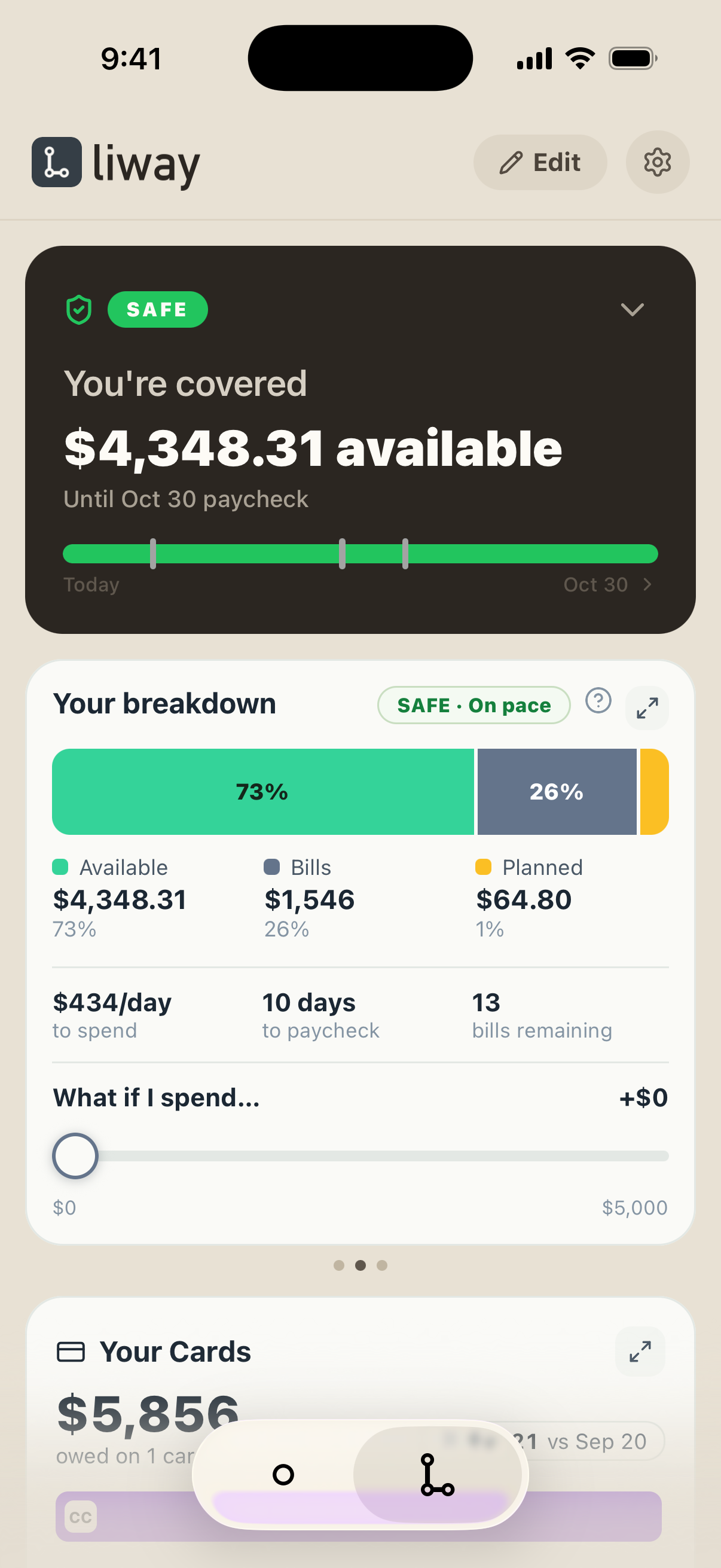
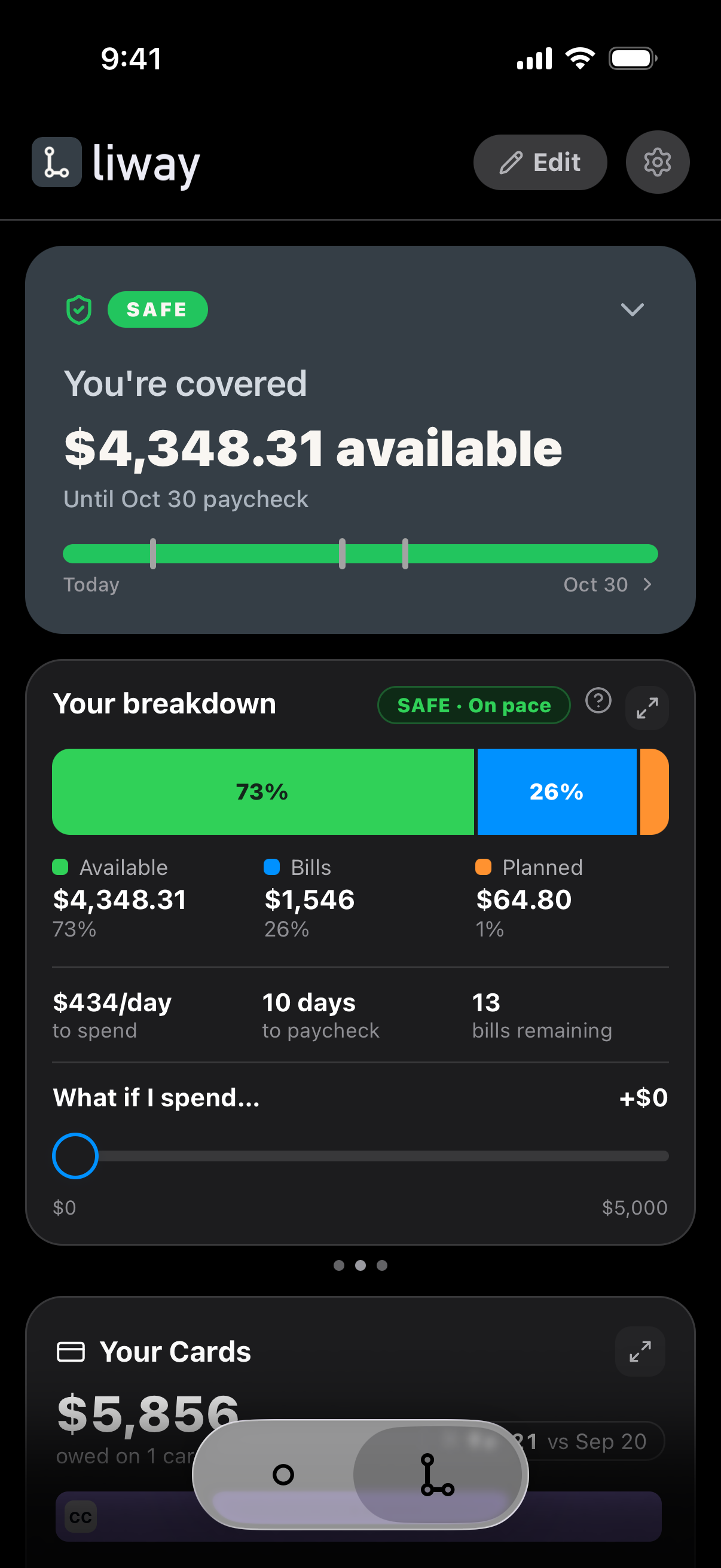
- 1Open Your breakdown.
- 2Slide in an amount.
- 3See your headroom after it.
- Read-only. Nothing moves without you.
- Your bank login stays private.
- Free to start. No credit card.
Questions
What is What if I spend in liway?
It's a slider on Your breakdown. Slide in what you're thinking of spending, and liway shows your headroom after it and whether you'd still be covered until payday. Nothing is spent and nothing moves.
What do Safe, Tight and Risk mean?
Safe: more than $500 left until payday. Tight: between $0 and $500. Risk: less than nothing, so a bill would come up short.
What if I try more than I have?
liway shows the shortfall in brackets, like $(470), and marks it Risk, so you see it before it happens.
Does it spend or move any money?
No. It only shows what would happen. Nothing moves without you.
Try it with your own money.
Connect your banks once. liway finds the rest for you.