 Help / Compare
How liway is different.
From headroom to your Personal Finance OS.
Most money apps do one job. They plan a budget, show a dashboard, or cut your bills. liway brings your money together in one place, and puts the answer you need most first.
Start free
Check In is free. Always.
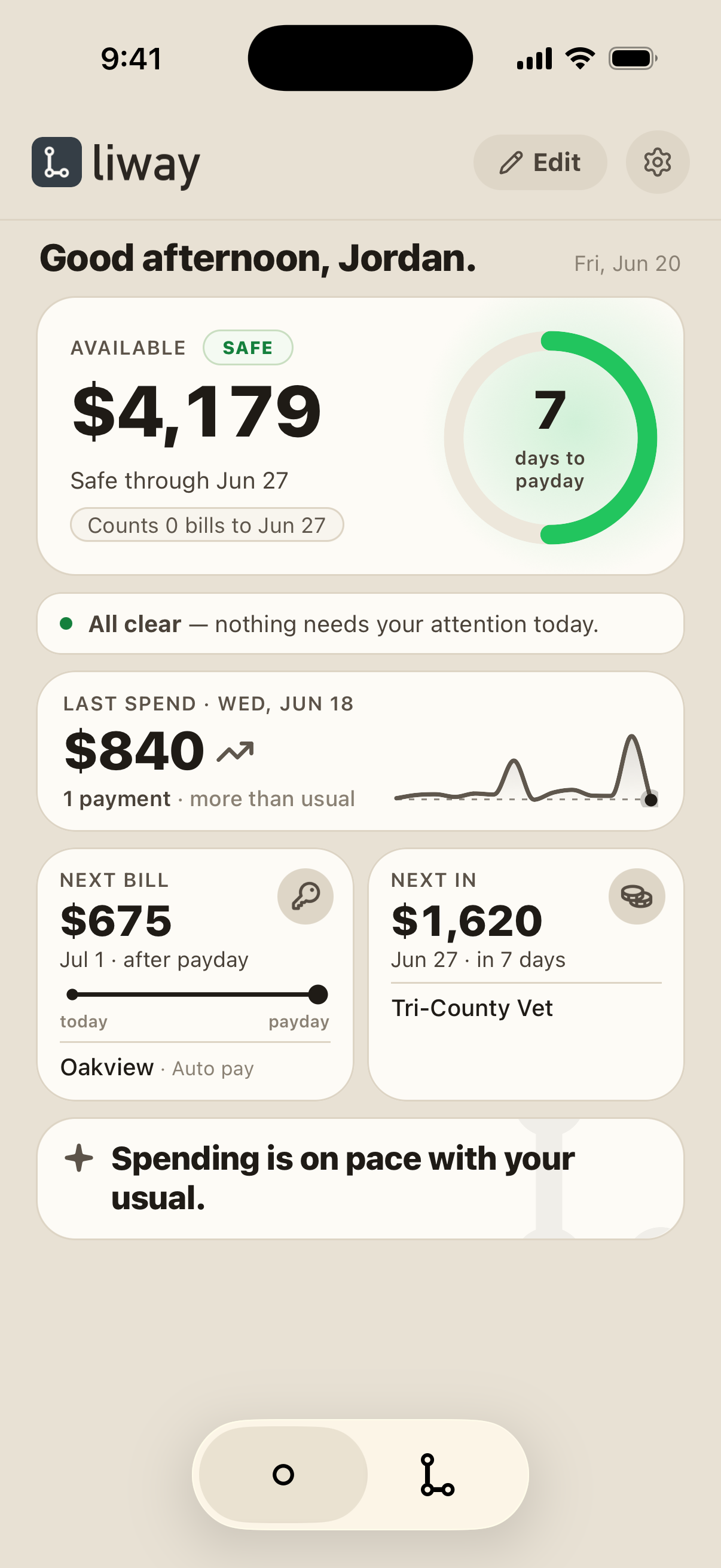
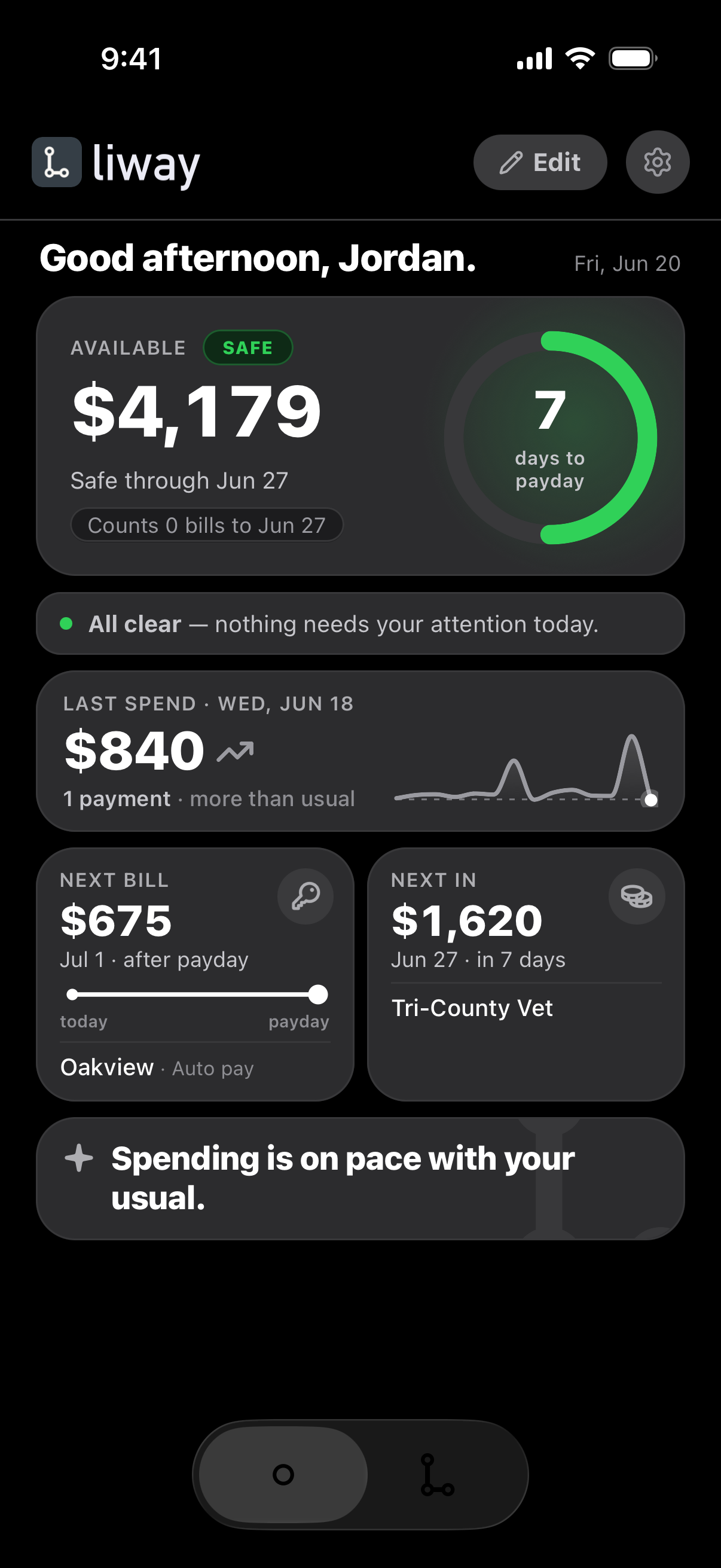
Your headroom until payday, the next bill, the next paycheck, and how yesterday went. No trial, and no card.
The answer first. The detail when you want it.
14 features, in three steps. Each step takes a different amount of your time.
1
Know
A quick look
What's yours until payday, and whether you're Safe, Tight or at Risk. Read it in seconds.
2
Understand
Worth a few minutes
Where your money went. Every account and card in one place.
3
Look ahead
Worth a few minutes
The weeks ahead, your month day by day, and where you stand.
What the other apps do
Each one does one job well. liway goes as deep as a dashboard, and puts today's answer first.
Side by side
Pick an app to see it next to liway.
Scroll the table to see every app →
| liway | YNAB | Monarch | Copilot | Simplifi | Rocket Money | PocketGuard | EveryDollar | Cleo | |
|---|---|---|---|---|---|---|---|---|---|
| What you see first | What's yours until payday: Safe, Tight or Risk | Money given to each category | Budgets by category | This month's budget left | Left to spend this month | An alert when your balance is low | What's left this month | What's left in each category | Answers in a chat with an AI |
| The detail | Spending, activity, every account and card, your month, where you stand | Your plan by category, and debt tools | Spending, budgets, investments, net worth | Spending, budgets, investments, net worth | Spending, bills, investments | Spending, net worth, credit score | Spending, bills, a debt payoff plan | Your monthly plan, and reports (Premium) | Spending and budgets, by chat |
| Looks ahead | Every bill and paycheck to payday, with your lowest day | Not on their site | Forecasting (Plus plan) | Not on their site | Balances looking ahead | Not on their site | Not on their site | Plans around payday and bill dates (Premium) | Not on their site |
| Try a purchase first | Yes: What if I spend | Not on their site | Not on their site | Not on their site | Yes | Not on their site | Not on their site | Not on their site | Not on their site |
| Bills | Found for you. One swipe to confirm each | Targets you set | Not on their site | Yes | Yes | Yes, and can cancel for you | Yes, and can cancel for you | Due dates you enter | Not on their site |
| Investments | Balances, with everything else | No | Yes | Yes | Yes | Net worth | Not on their site | Net worth, projected (Premium) | Not on their site |
| Free to try | Check In is always free. Full liway: 7 days free | 34 days free | First week free | Paid plans only | Paid plans only | Free plan | 7 days free | Free plan. Premium: 14 days free | Free to download. Paid plans |
| Works on | iPhone, Android, web² | iPhone, Android, web, Apple Watch | iPhone, Android, web | iPhone, iPad, Mac, web | iPhone, Android, web | iPhone, Android | iPhone, Android, web, Apple Watch | Phone, tablet, web | iPhone, Android |
² liway on the web is invite-only for now. Ask for an invite
"Not on their site" means we didn't find it on the app's own website on Nov 2, 2026. It may still exist.
About 20%less
And it costs less. Full liway costs about 20% less, on average, than the monthly plans of YNAB, Monarch, Copilot and PocketGuard.¹
¹ We compared monthly plans. We used liway's price from its next release, and each app's price on its own website on Nov 2, 2026. Simplifi only bills yearly, and Rocket Money lets you pick your price, so they're not in this sum. See Pricing
Which one fits you
liway fits when
- You want all your money in one app, with the answer you need most first.
- You get paid on a schedule and want to know, today, if the money lasts.
- You want your paydays and bills found for you, not typed in.
- You want to see a tight week coming, and act before it.
- You want your bills and usual spending set aside for you, not planned by hand.
Another app may suit you better when
- You want to plan every dollar by hand. Try YNAB.
- Investments are your main focus. Try Monarch or Copilot.
- You want someone to cancel subscriptions for you. Try Rocket Money.
liway next to each app
The short answer first, then the facts.
Questions
Is liway a budgeting app?
It's more than that. liway is a Personal Finance OS, and budgeting is part of it. liway sets aside your bills and usual spending for you, so you see what's yours until payday without planning every category by hand. Your accounts, your spending and what's ahead all connect to it.
Can I use liway with another app?
Yes. Keep your budget where it is. Use liway to check in before payday.
Is liway free?
Check In is always free. Full liway has a 7-day free trial. See Pricing for the plans.
Can liway move my money?
No. liway can look, but nothing moves without you.
Where do these facts come from?
Each app's own website, checked on Nov 2, 2026. Apps change. If something is out of date, tell us.
See your own headroom.
Try it with a few numbers. No sign-up.
Checked Nov 2, 2026. YNAB, Monarch, Copilot, Quicken Simplifi, Rocket Money, PocketGuard, EveryDollar, Cleo, Credit Karma, Dave, EarnIn and Brigit are trademarks of their owners. liway isn't connected with them. What we say about each app comes from its own website, and may change.