 Look ahead / Calendar
Your month, day by day.
Every payday, bill, card payment and subscription on the day it lands, so you see the busy days coming, not after they've passed.
When you'd use it
Moment 1
When does the mortgage come out?
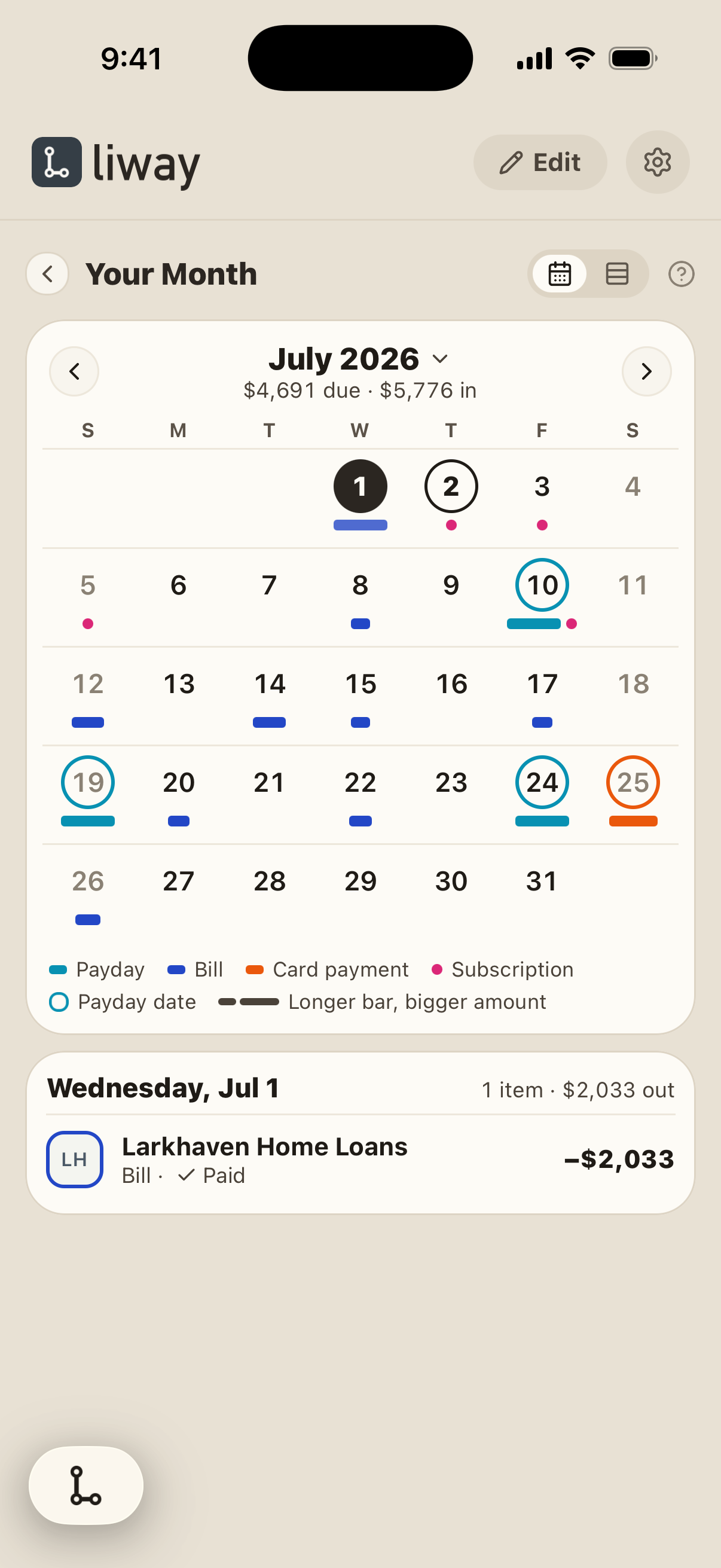
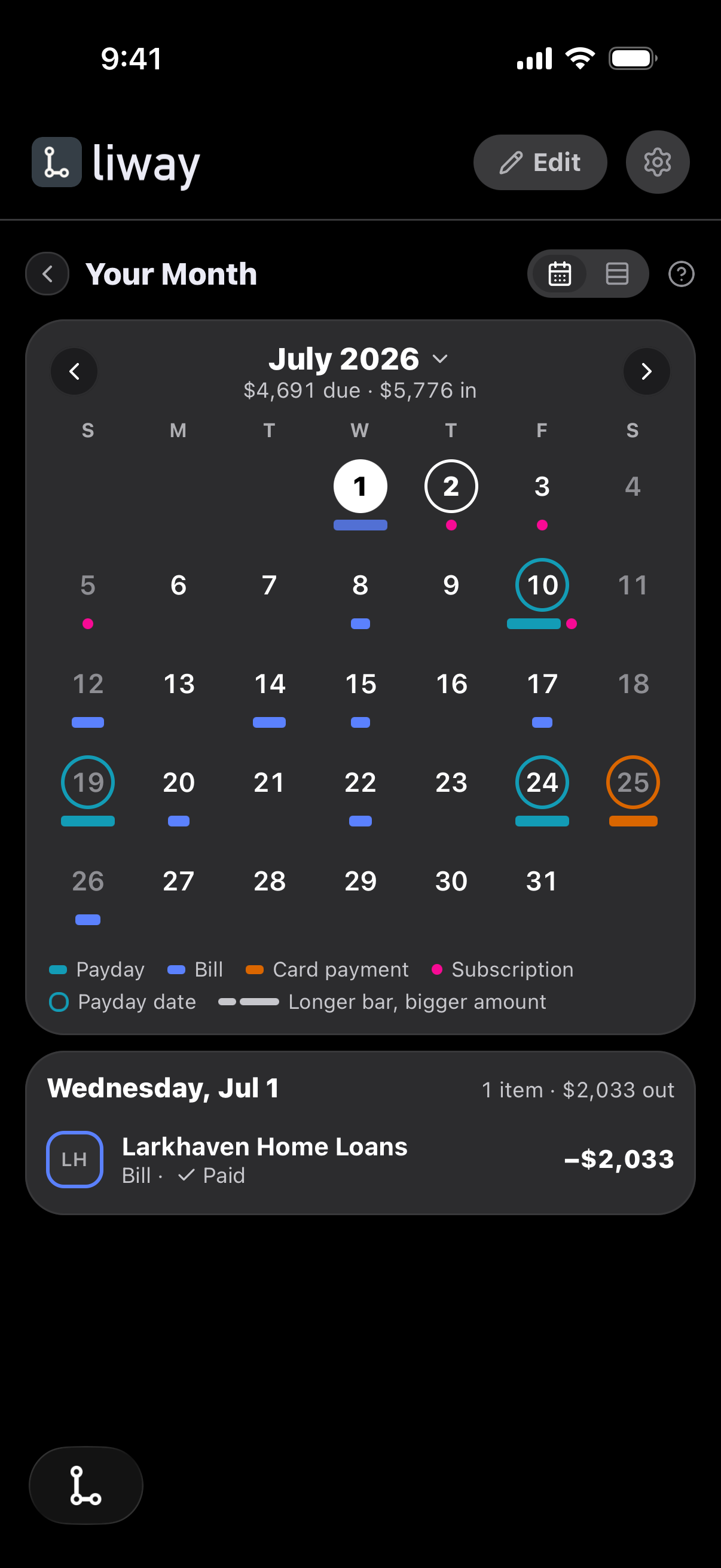
Pick a day to see what lands on it, and whether it has been paid. Here, July 1: the mortgage, $2,033, paid.
Moment 2
Planning a trip for later in the month?
Look for the quiet weeks. A longer mark means a bigger amount, and the month's totals sit at the top: $4,691 due, $5,776 coming in.
- 1Connect your banks, once.
- 2liway puts each one on its day.
- 3See the busy days coming.
- Read-only. Nothing moves without you.
- Your bank login stays private.
- Free to start. No credit card.
Questions
What is the calendar in liway?
A calendar of your month. Paydays, bills, card payments and subscriptions sit on the days they land. Each kind has its own color, and a longer mark means a bigger amount. liway finds them for you, so there is nothing to fill in.
What do the colors mean?
Each kind has its own color: paydays, bills, card payments and subscriptions. Green, amber and red are kept for one thing: whether you are covered.
Is this a budget?
No. It shows what is already coming, found from your accounts. There is nothing to plan or fill in.
Can I look back?
Yes. Pick any month since you joined.
See your own month.
Connect your banks once. liway finds the rest for you.